
Learning, Certifying, and Climbing the IT Ladder
So what actually is a network? Let's break down your Small Office/Home Office (SOHO) setup.
Imagine if computer networks didn't exist — that would honestly be miserable. Every time you wanted to print something, you'd have to save the file, stick it on a USB drive, walk it over to the printer, dig through the printer's tiny screen to find your file, and then finally print it. Sounds exhausting, right? Luckily we don't have to deal with any of that anymore, and it's all thanks to the invisible connection running through your house or office that we call a SOHO network.
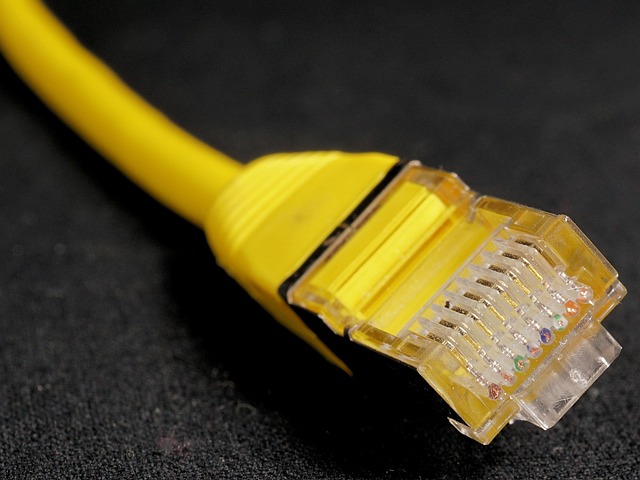
At the most basic level, a network is just two or more devices talking to each other and sharing info. To understand how your own setup works, there are three main pieces you need to know. First up are your End Devices — basically anything you actually use, like your phone, laptop, tablet, smart TV, or printer. These are always either sending data or receiving it. Then there's Network Media, which is just the path the data actually travels through — either physical Ethernet cables or Wi-Fi, which is really just radio waves flying through the air.
The real MVP of the setup, though, is the Intermediary Device. In most homes this is just the one box your internet provider gave you, usually called a router or gateway. This thing does two jobs, and it's actually pretty smart about switching between them. When your laptop needs to send something to your printer, it uses its Switching Function — which just keeps that traffic local, staying inside your home or office instead of going anywhere else. But the second you want to look something up online, it switches gears and uses its Routing Function instead, acting as the doorway (aka the Default Gateway) that lets your data leave your network and head out to the actual internet.
Once you get these two roles down, troubleshooting gets way easier. Say you hit "Print" — that data goes from your computer, through the Switching part of your router, straight to the printer. It never even leaves your building. But if you're checking email, it goes through Switching first, then gets handed off to Routing, which sends it out to the internet through the Default Gateway. So next time something's not working: can't print? That's a local issue. Can't load Google? That's on the Routing side or your actual internet connection.